
03 — community
A community feed and chat,
built into your space.
A community feed and member chat built into tersOS, with posts, polls, threads, direct messages, channels and a place for staff to handle reports. There is no separate chat app for your members to install, no per-member fees, and your member data stays with you.
 Live · app.tersos.io
The feed
Members post to channels, and staff read the same feed.
The feed is built into tersOS, not a separate chat app your members have to install. A post goes to a channel, can carry photos, files, a GIF or a link preview, and can be scheduled for later. Members choose how much each channel notifies them, and staff read the same feed in the backoffice.
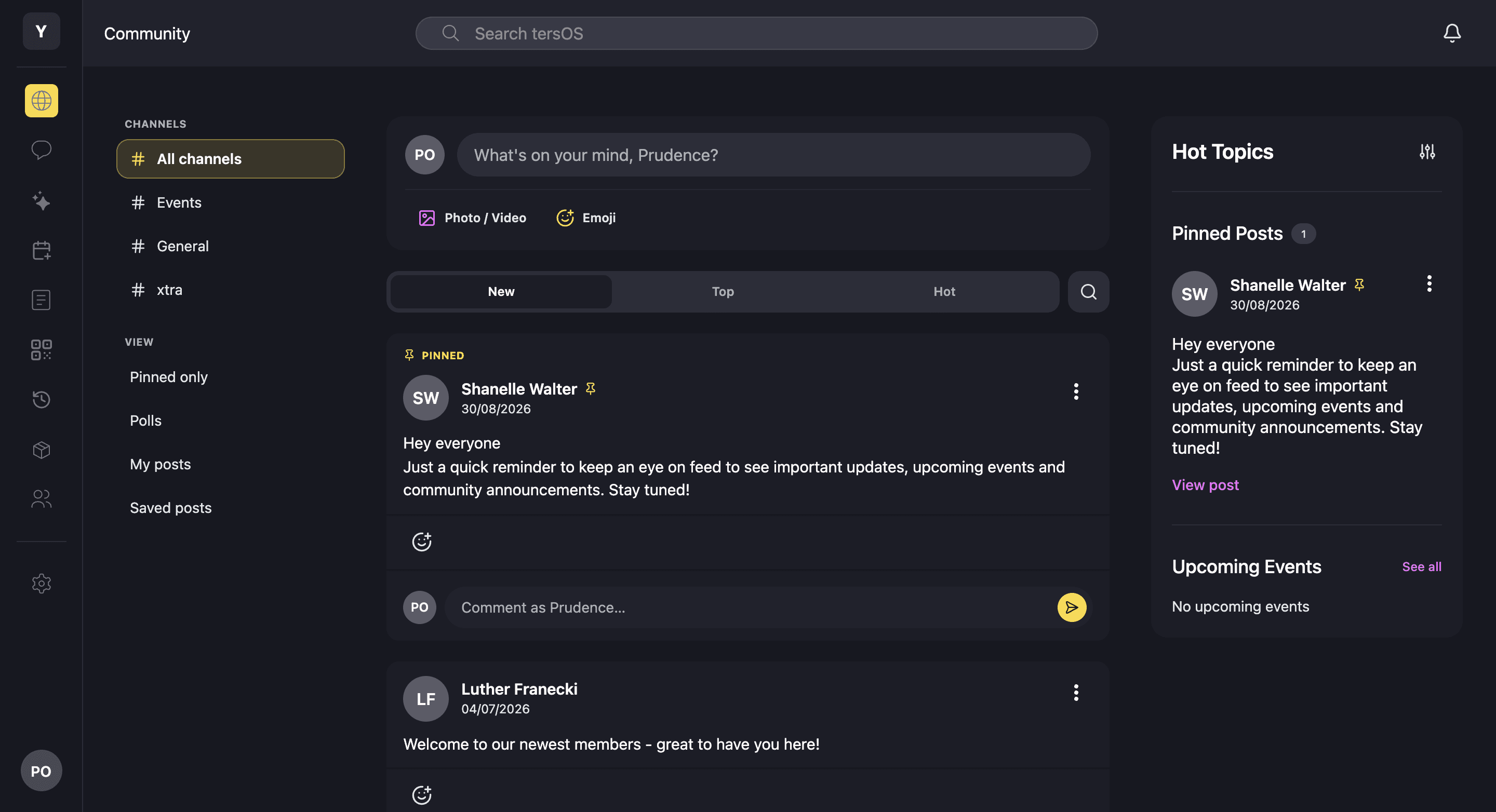
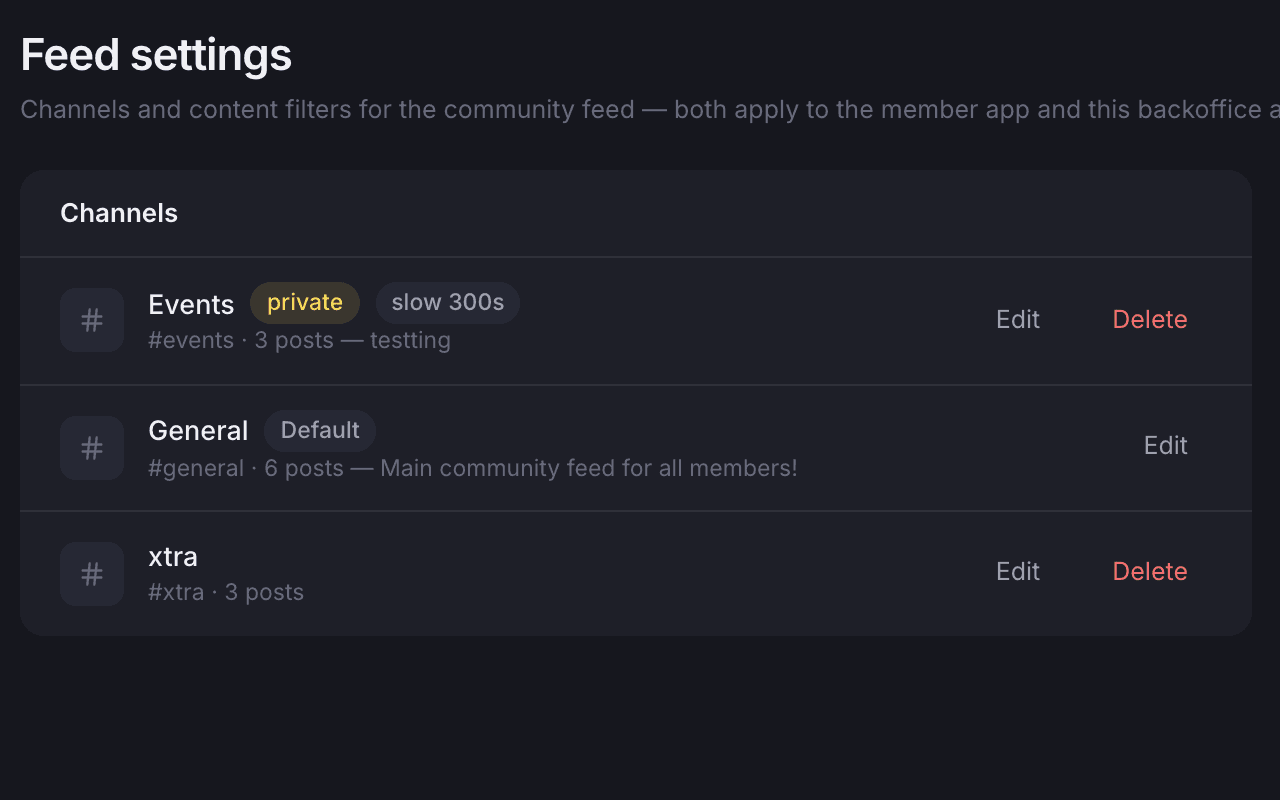
Channels are set up by staff
Members choose per channel: every notification, only mentions or none.
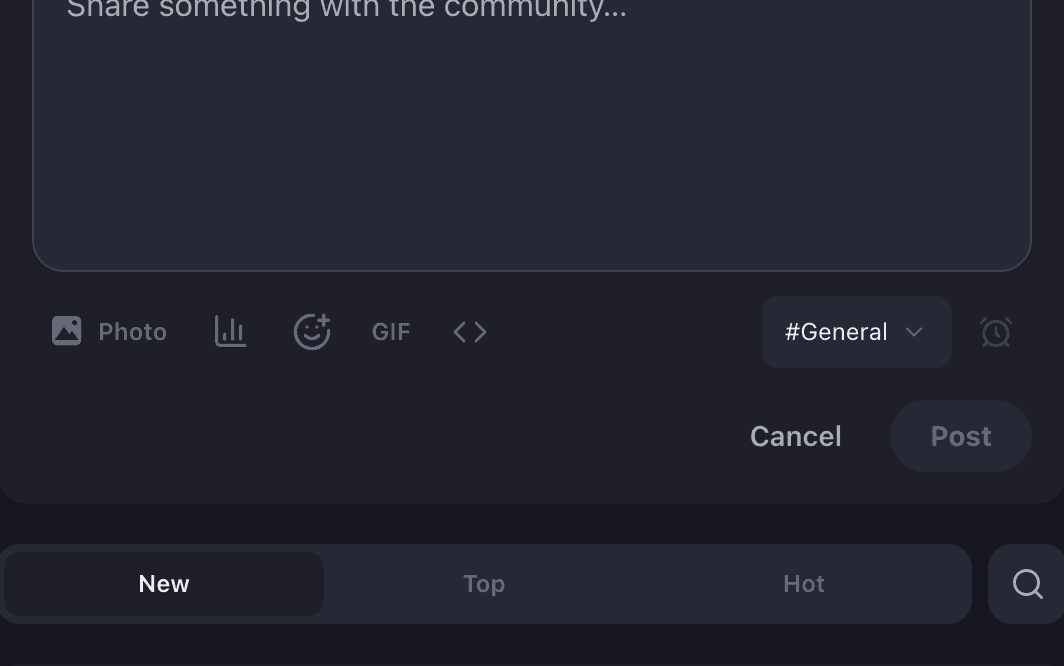
Photos, files, a poll or a schedule
Add photos, files, a poll or a GIF, pick a channel, or schedule the post for later.
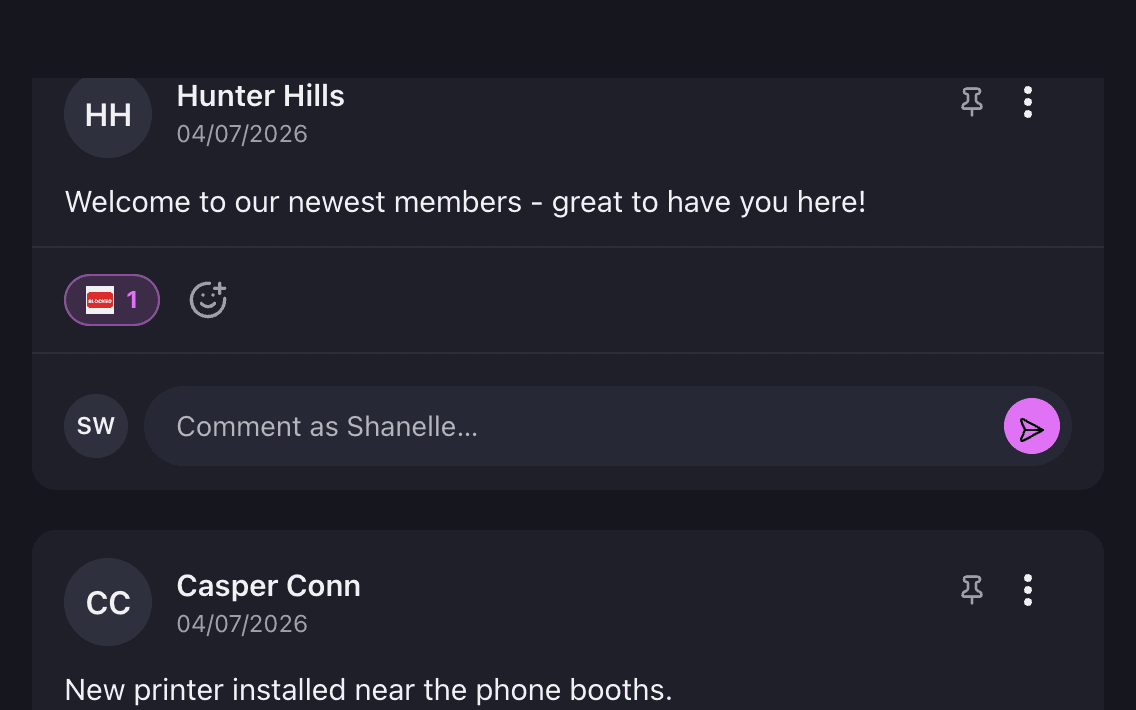
A post with a custom-emoji reaction
A reaction can be any emoji, or one of your own that your space uploaded.
Custom emoji
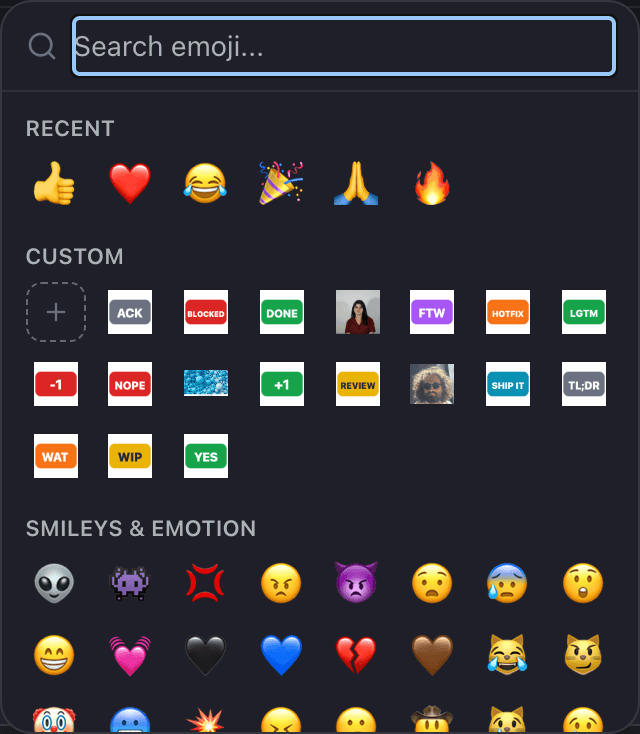
The emoji picker is the same in the feed, chat and reactions, and your own emoji are in it.
Staff upload custom emoji for your space, and members can add their own if you allow it. The same picker opens when writing a post, in chat and for reactions on posts, comments and messages, with your emoji in their own row. Posts and comments keep an edit history that any member can open.
The picker, with your space’s own row.
Recent emoji first, then the ones your space uploaded, then the standard categories with a search box.
- Custom emoji uploaded by staff, or by members if you allow it
- Reactions on posts, comments and chat messages
- Edit history on posts and comments
- Bookmark a post, or follow it and get its notifications
Chat
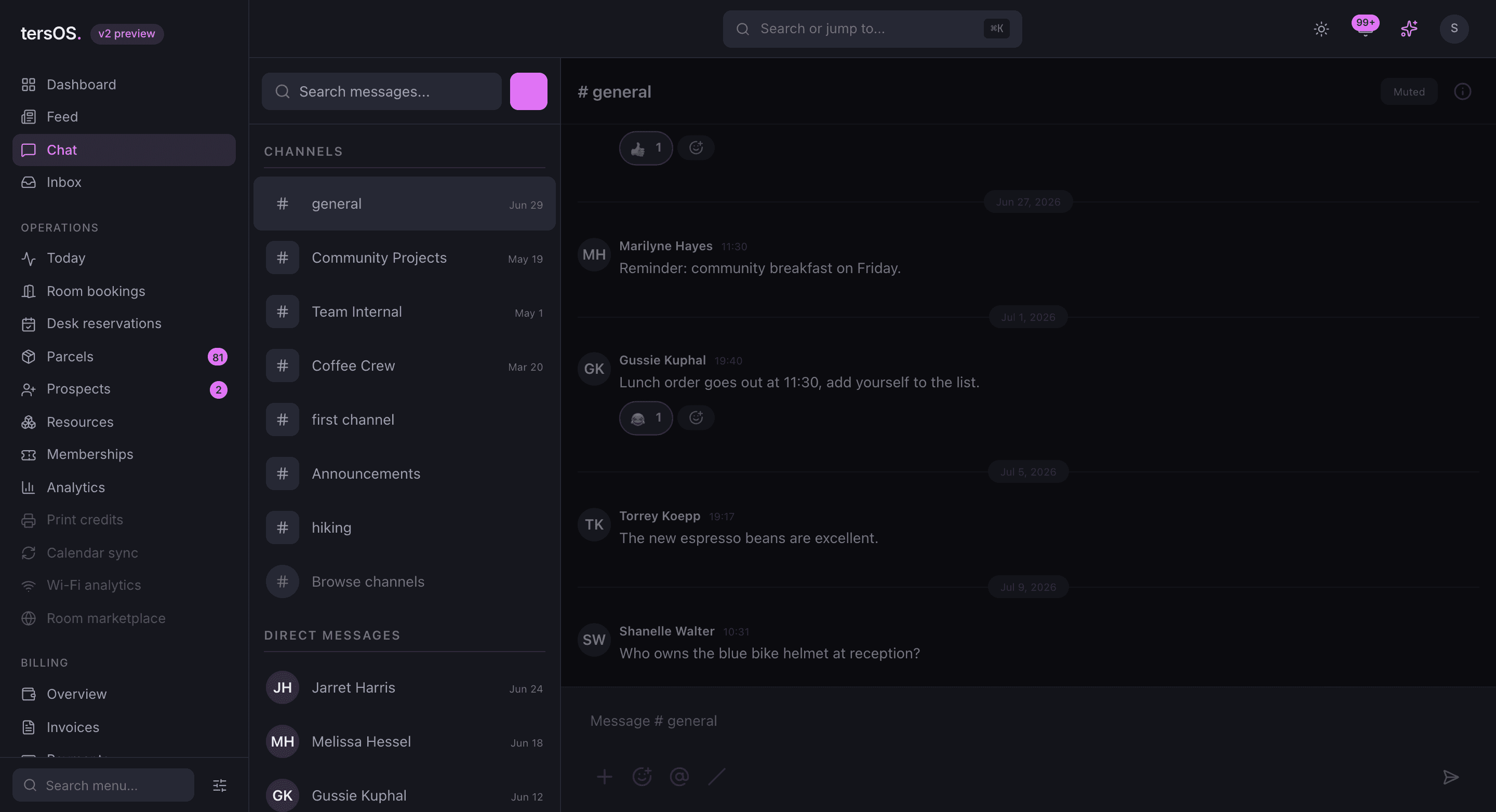
Direct messages, channels and threads, in the same app as the feed.
Chat is part of the same app as the feed. Members message each other directly or in channels, reply in threads, and pin, quote and forward messages. A link to any message opens the conversation around it, and staff use the same chat from the backoffice.
Direct messages
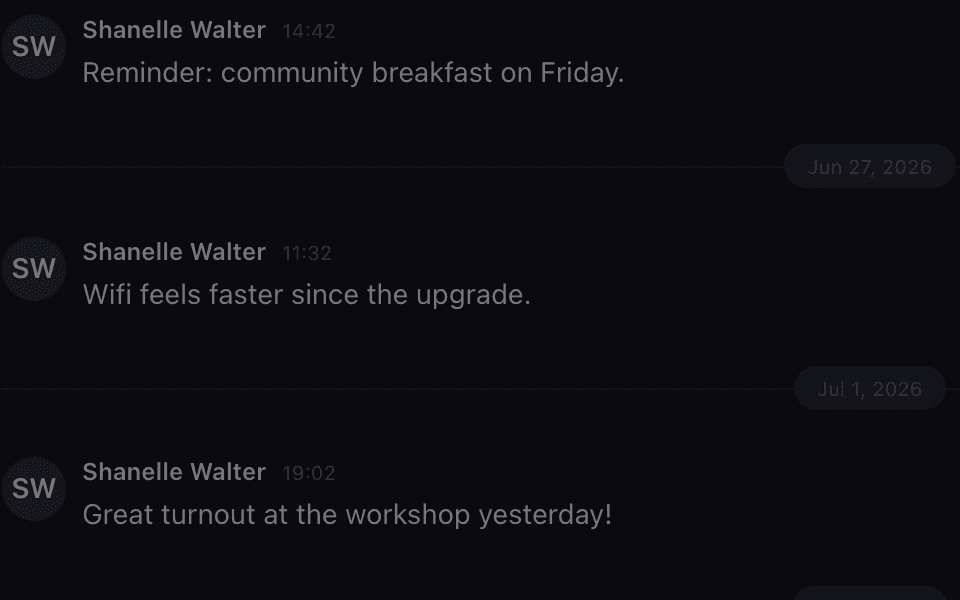
One-to-one, with online status, typing and read receipts a member can switch off.
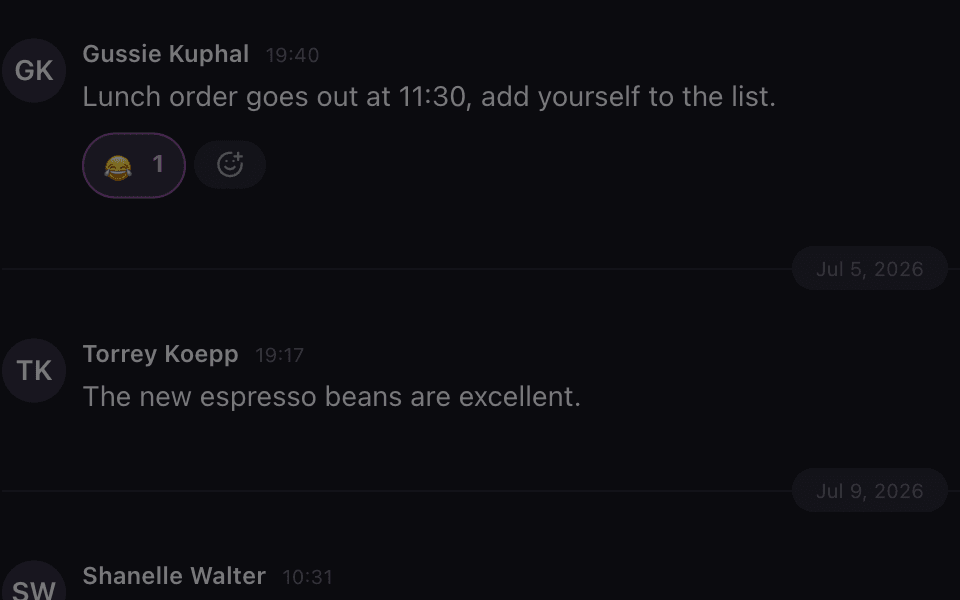
Reactions on messages
The same picker as the feed, custom emoji included, shown under the message.
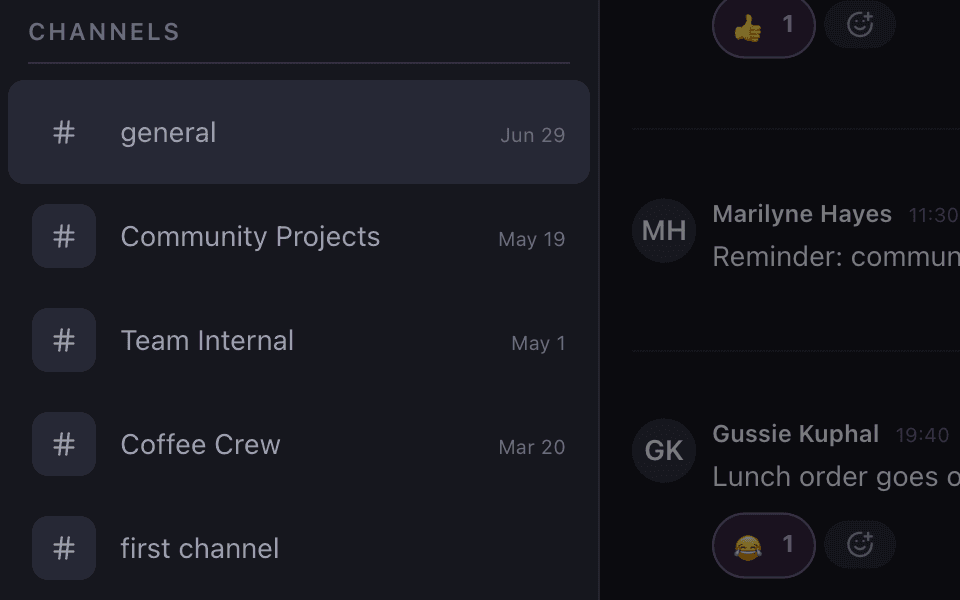
Channels and direct messages in one list
Channels first, direct messages below, and a search box across all of them.
Joining and status
Members join public channels themselves and decide how reachable they are.
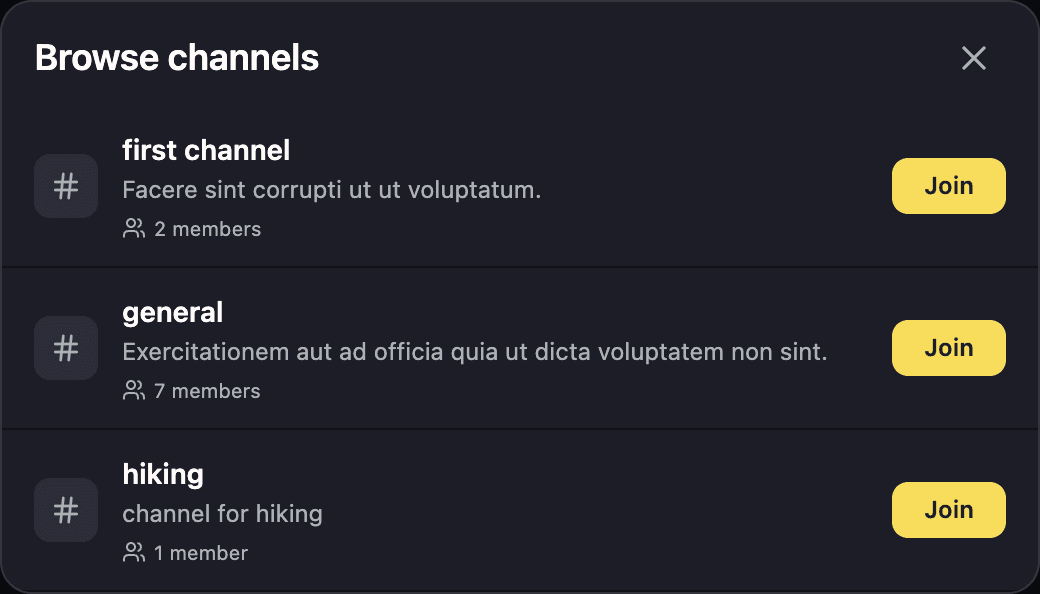
Public channels are listed with a description and a member count, and a member joins with one tap. Other channels hand out an invite link instead. Each member sets a status and do-not-disturb, can switch read receipts off, and can list keywords that alert them whenever someone uses one.
Browse channels, in the member app.
Every public channel the member has not joined yet, with what it is for and how many people are in it.
- Public channels to browse and join; invite links for the rest
- Status and do-not-disturb for each member
- Read receipts a member can turn off
- Keyword alerts, even when the member is not mentioned
Members
Every member has a profile, and the directory is searched from the app.
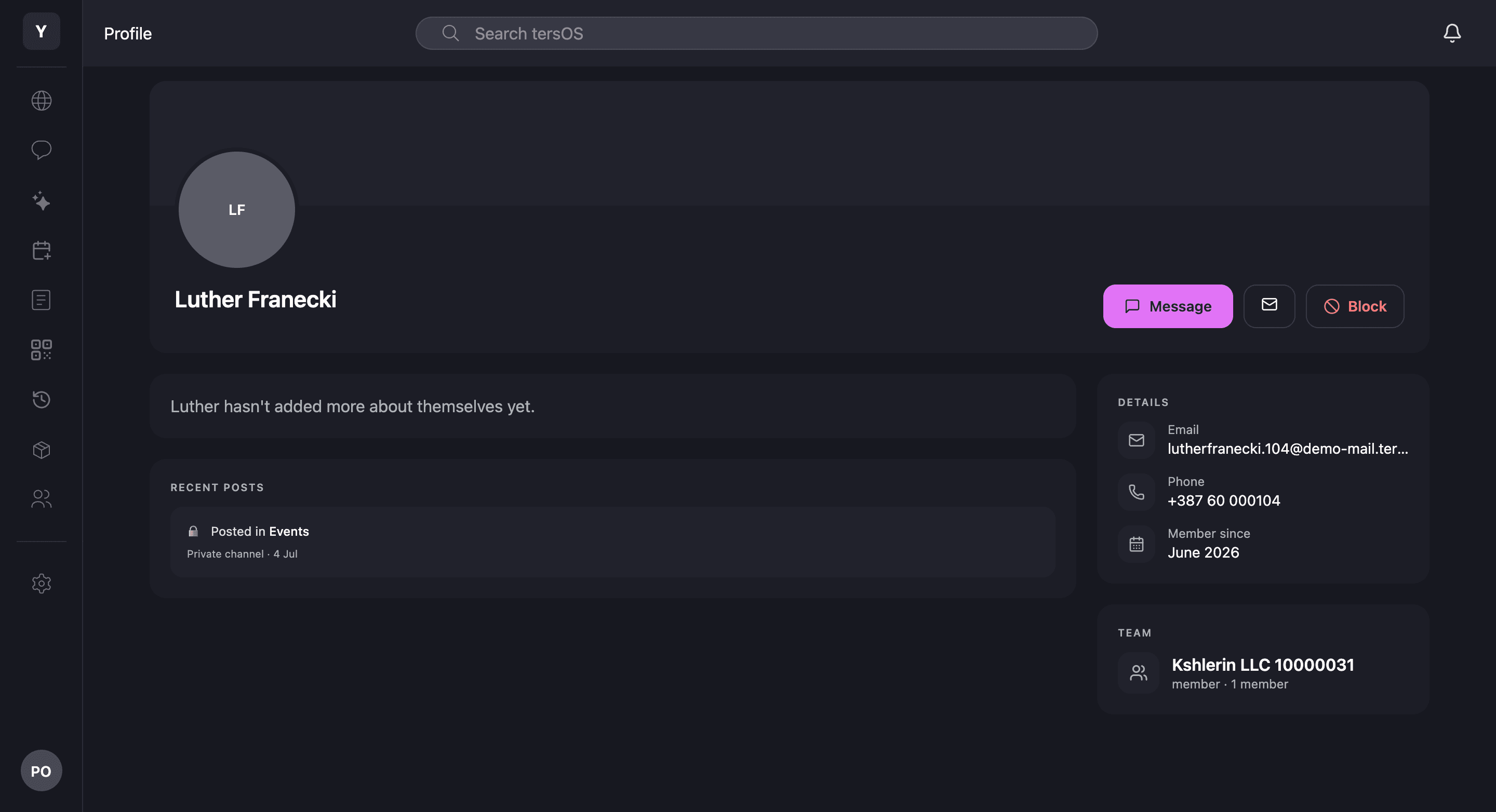
A member’s profile shows their details, team and recent posts, with buttons to message, email or block them. Members search the directory by name, and staff see the whole list in the backoffice. Interests come from a list your space curates, and members can suggest new ones for staff to approve.
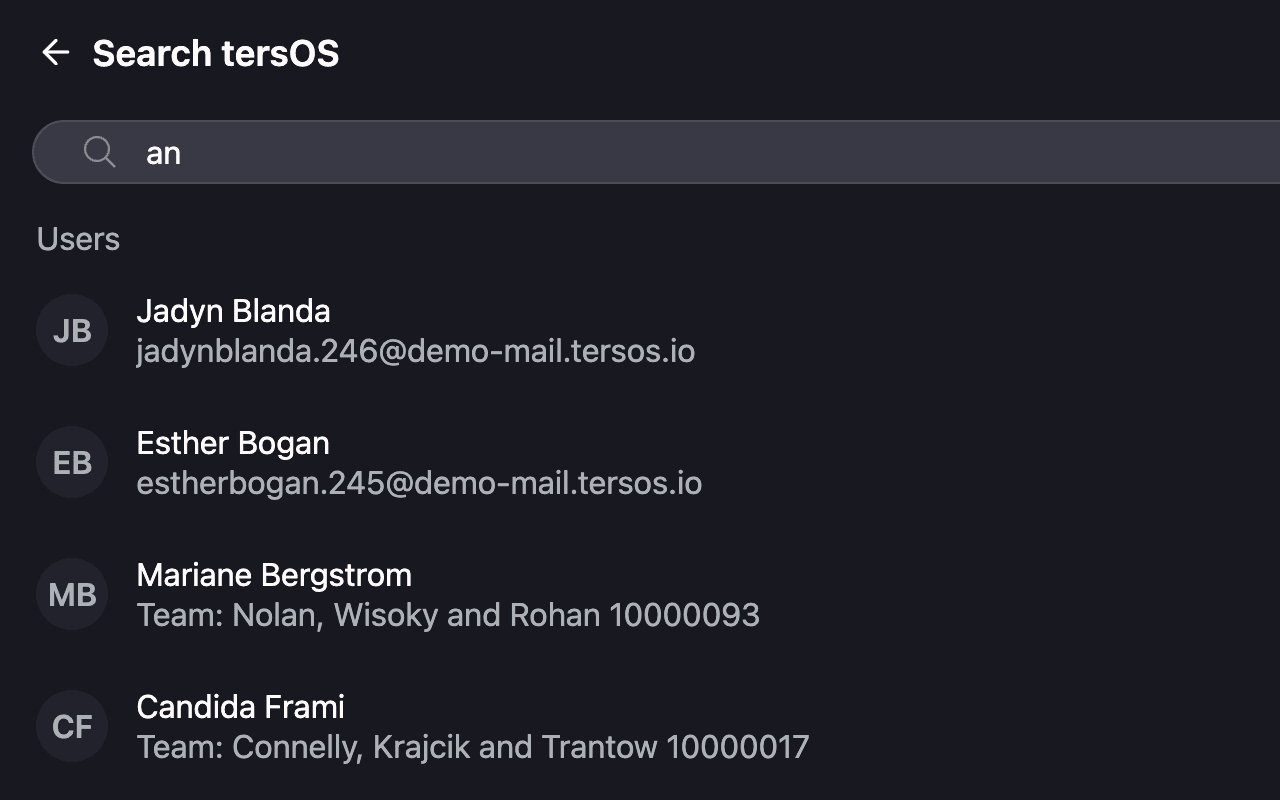
Search the directory
Type a name in the app and matching members appear with their email or team.
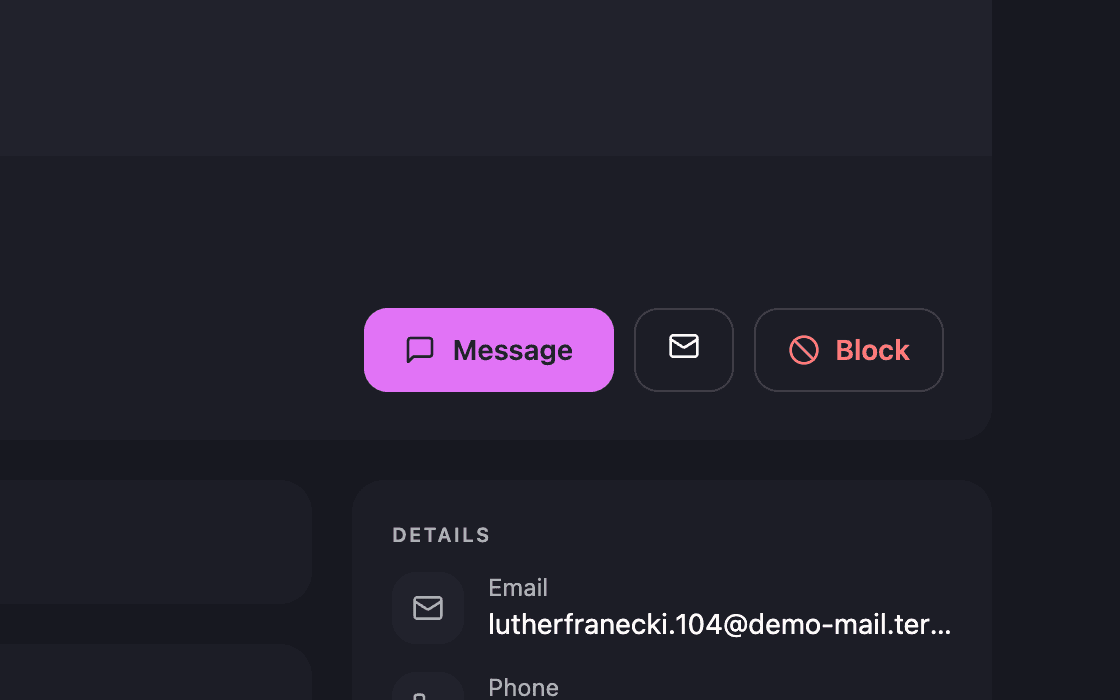
Message, email or block
Blocking hides that member across the whole community, not only in the feed.
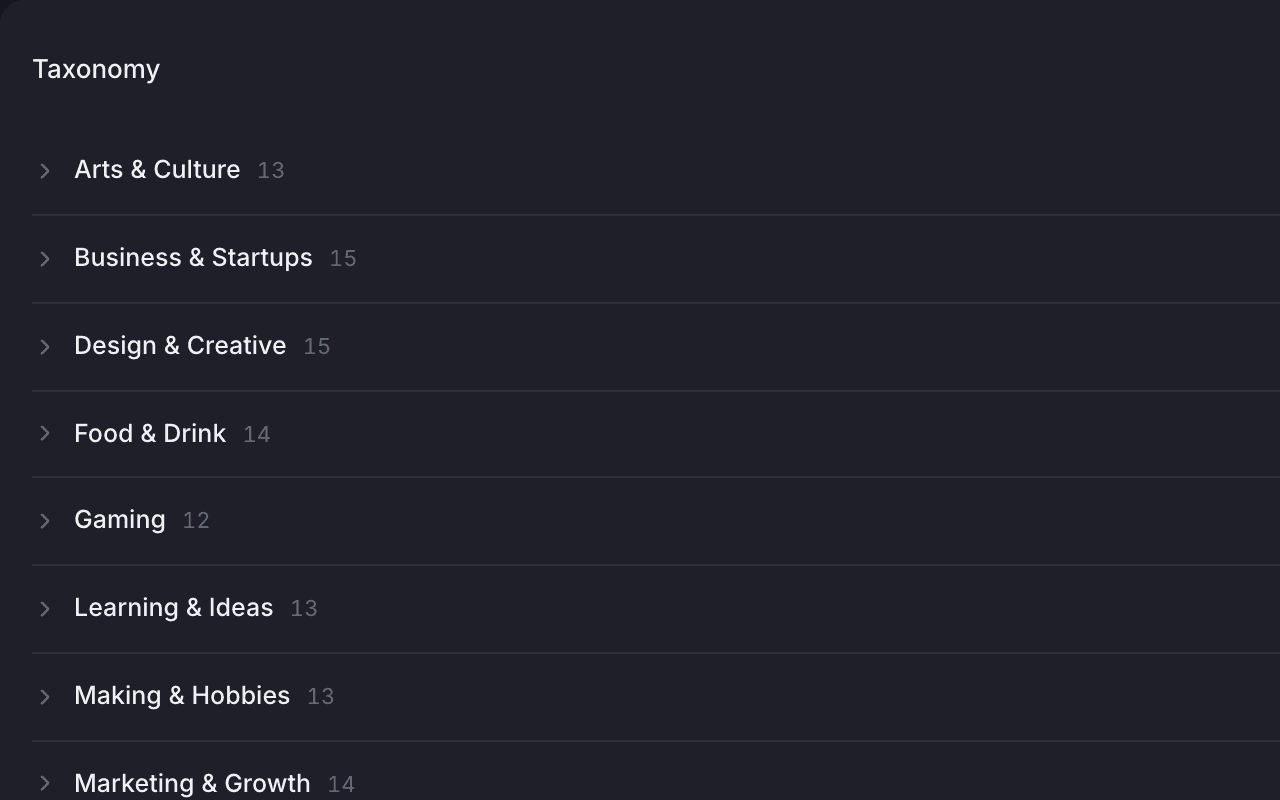
Interests your space curates
Each interest shows how many members picked it; new requests wait for staff approval.
Moderation
Reports, banned terms and custom emoji are reviewed in one place.
Members report a post or comment from its menu, and staff remove it or dismiss the report from one queue in the backoffice. A list of banned terms flags new posts and comments into the same queue. Members can mute someone in the feed or block them across the community without asking staff.
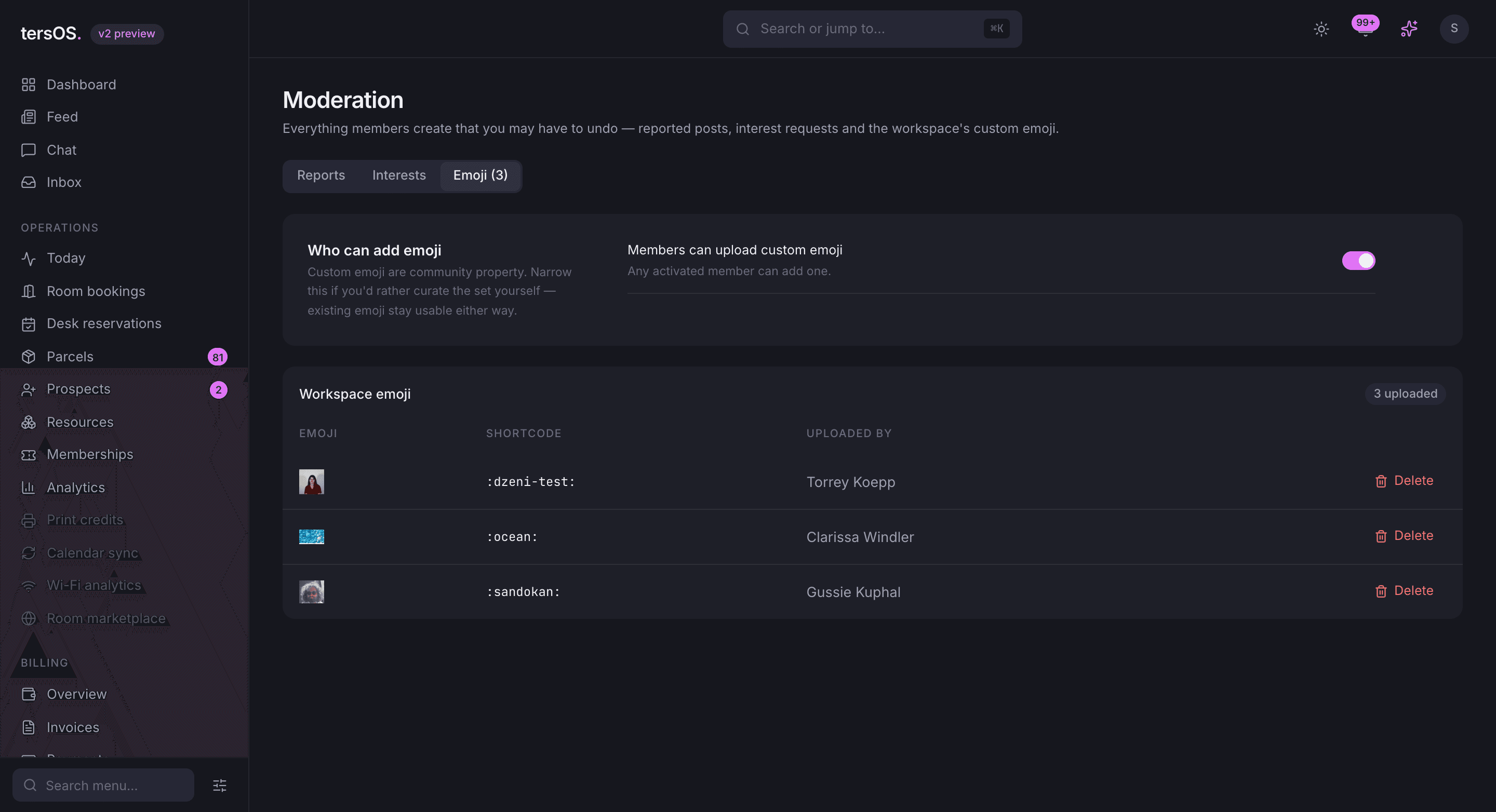
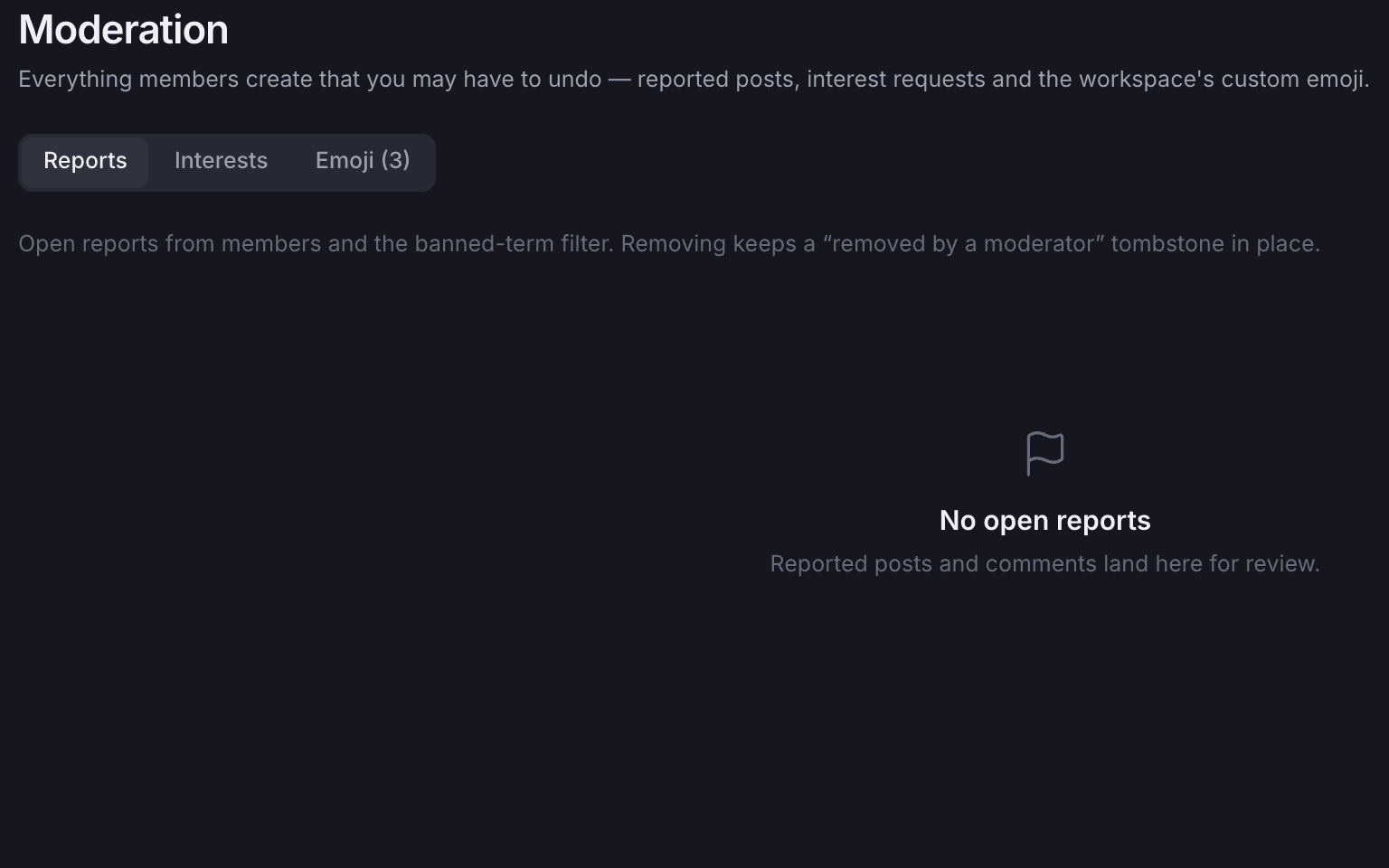
The reports queue
Reported posts and banned-term hits wait here for staff to remove or dismiss.
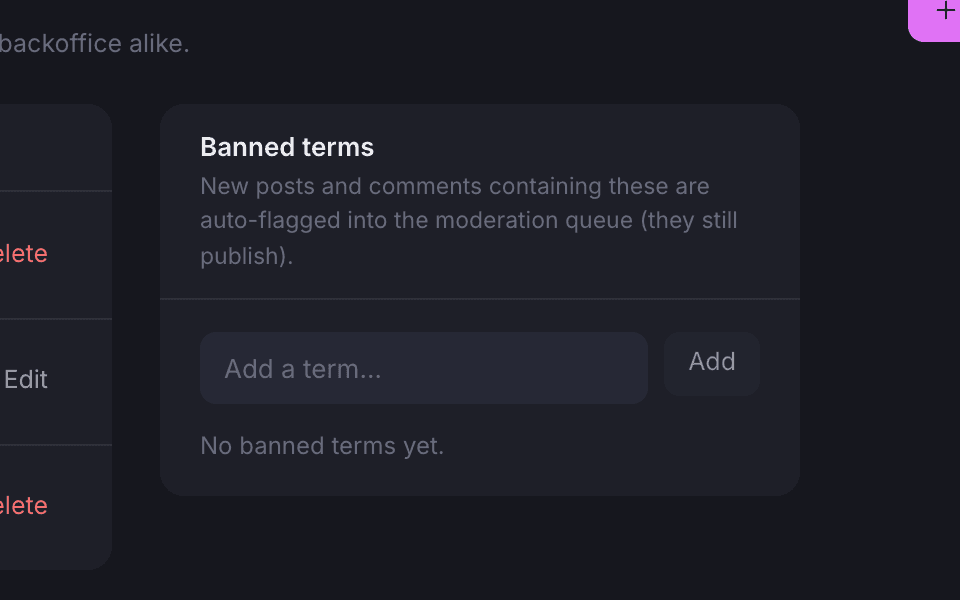
Banned terms
A post containing a banned term still goes up, but is flagged for staff to review.
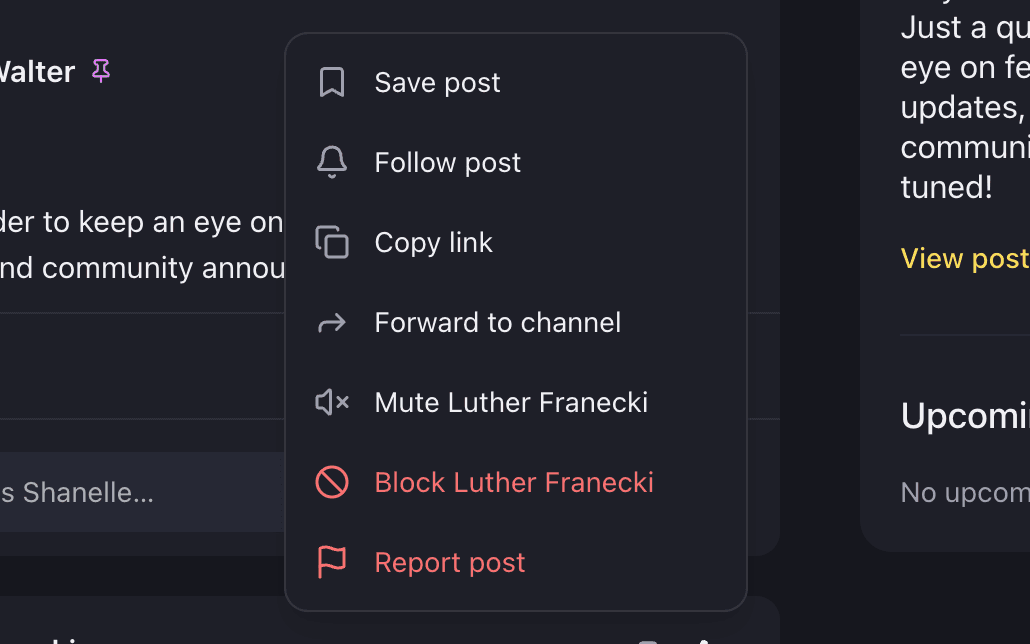
Mute, block or report from the post
Save, follow, copy the link, forward, mute or block the author, or report the post.
Where it shows up
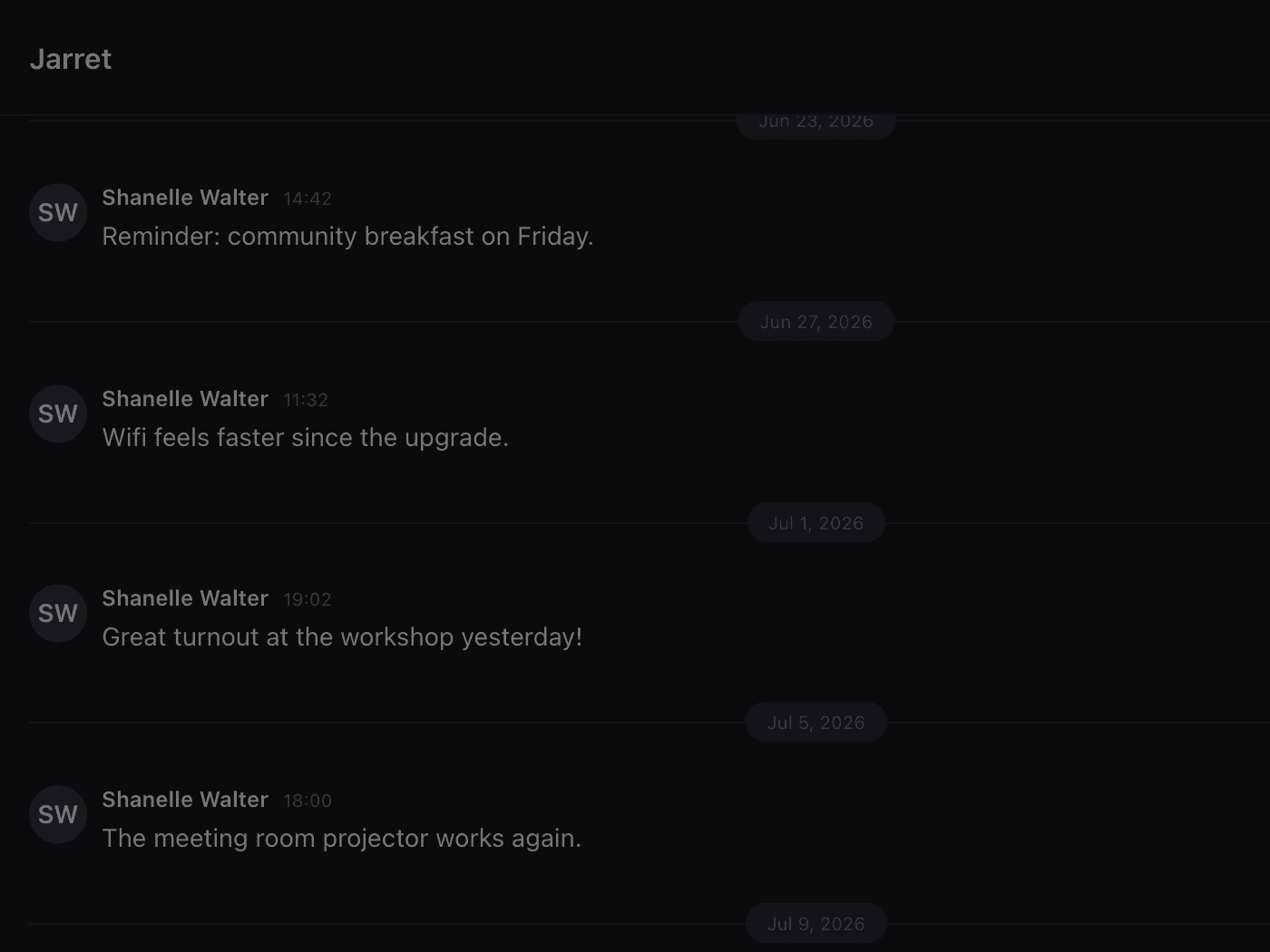
The same post, wherever you look.
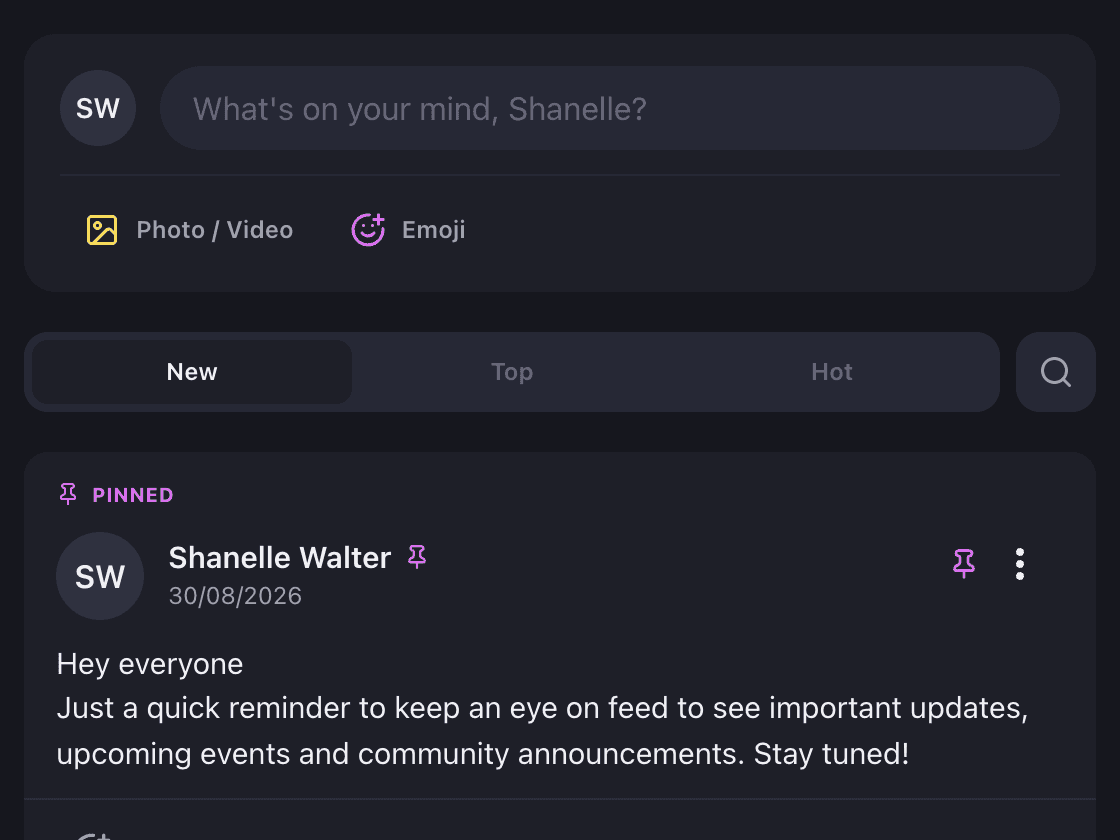
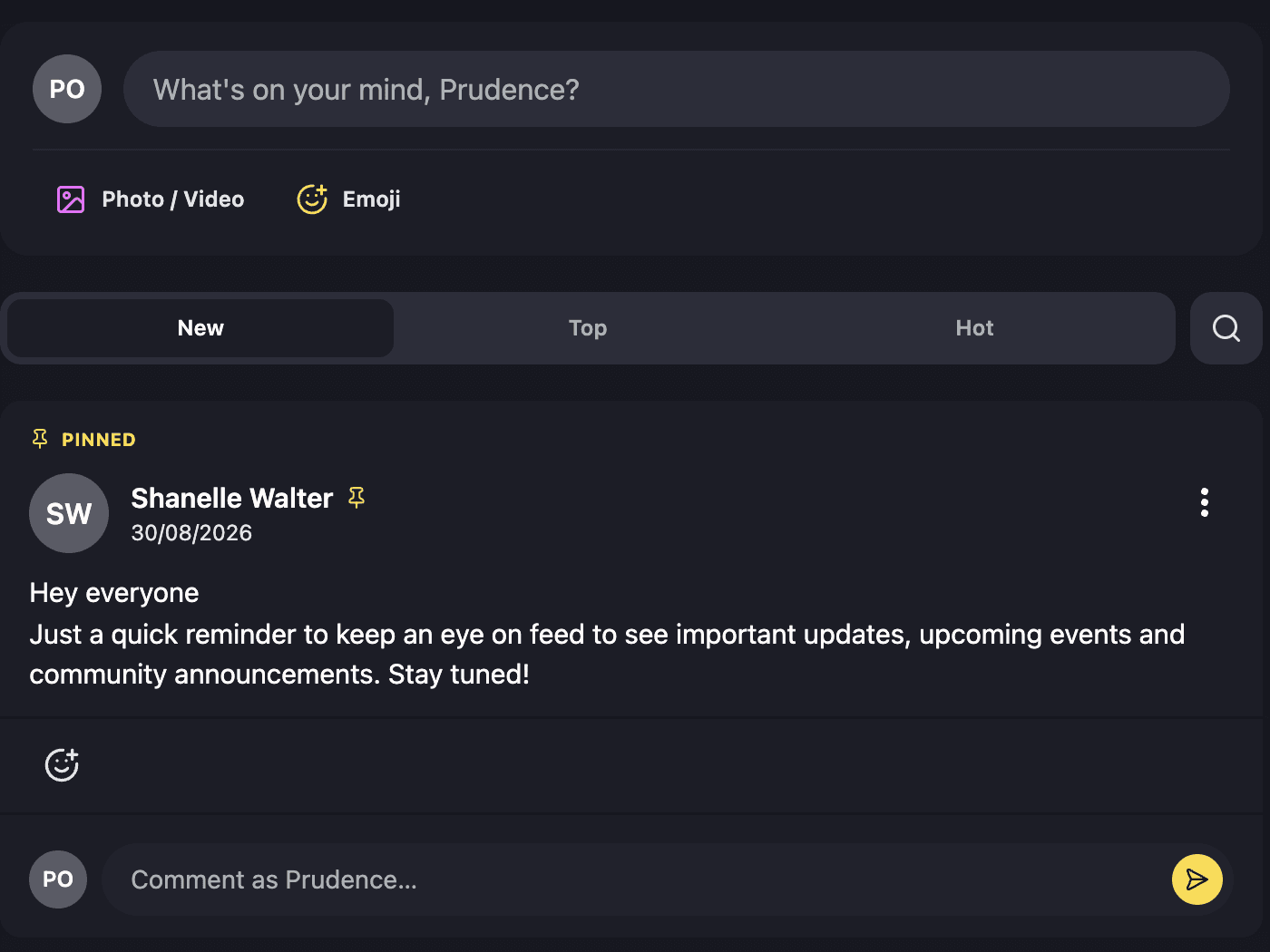
Staff and members look at the same feed and the same chat. A post made in the member app is already in the backoffice, tersAI can read it, and nothing has to be copied between them.
Also included
The rest of what Community does.
Feed
- Link previews when a member pastes a link
- GIF search in the feed and in chat
- Polls in the feed and in chat, with a way to take a vote back
- Scheduled posts and messages, which can be cancelled before they go out
- Hot topics, and @-mention suggestions as a member types a name
Chat
- Threads, pins, quotes and forwards
- A link to any message that opens the conversation around it
- Invite links a channel can hand out
- Saved messages and bookmarked posts
- A channel info panel listing the media, links and GIFs shared there
- Status, do-not-disturb and keyword alerts
For staff and members
- Built into tersOS, not a separate chat app your members have to install
- Read receipts and typing indicators, which a member can switch off
- Block a member community-wide, or mute them in the feed only
- Staff read and write the same feed and chat from the backoffice
A quiet Monday
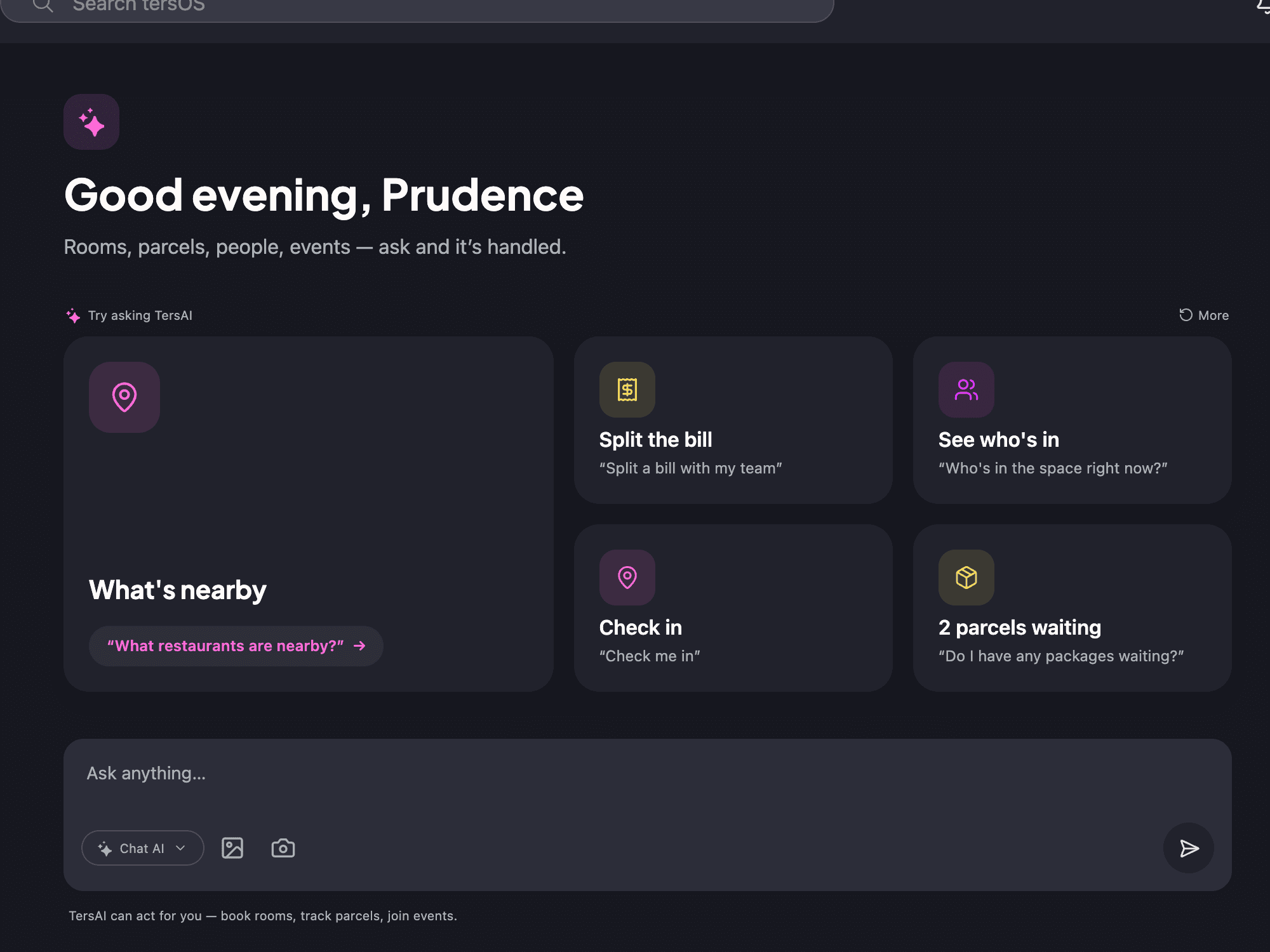
A member asks tersAI what they missed, then has it draft a post.
tersAI reads a member’s channels and sums up what they have not read, searches messages, and can send a direct message or post to a channel for them. Anything it is about to post is shown first as a draft, and nothing goes out until the member approves it.
“Anything I missed in chat since Friday?”
tersAI — Two things in #general: Gussie’s lunch order goes out at 11:30, and Shanelle is asking who owns the blue bike helmet at reception. Nothing was addressed to you.
“Post in #general that the kitchen is closed for cleaning until 14:00.”
tersAI — Draft for #general: “The kitchen is closed for cleaning until 14:00. Coffee is on the ground floor.” Confirm and I will post it.
unread chat summarised and a post drafted; it goes out only after the member confirms
“Our community stopped living in a group chat nobody owned.”The tershouse team, Sarajevo
Works with
Community is one of ten modules.
Member App →
The feed, chat, profiles and notification settings are screens in the app, on iOS, Android and the web.
Events →
Upcoming community events appear beside the feed, in the same column as the pinned posts.
tersAI →
Summarises unread chat, searches messages and drafts posts that the member confirms before they go out.